Marketplace · Product design
Afus
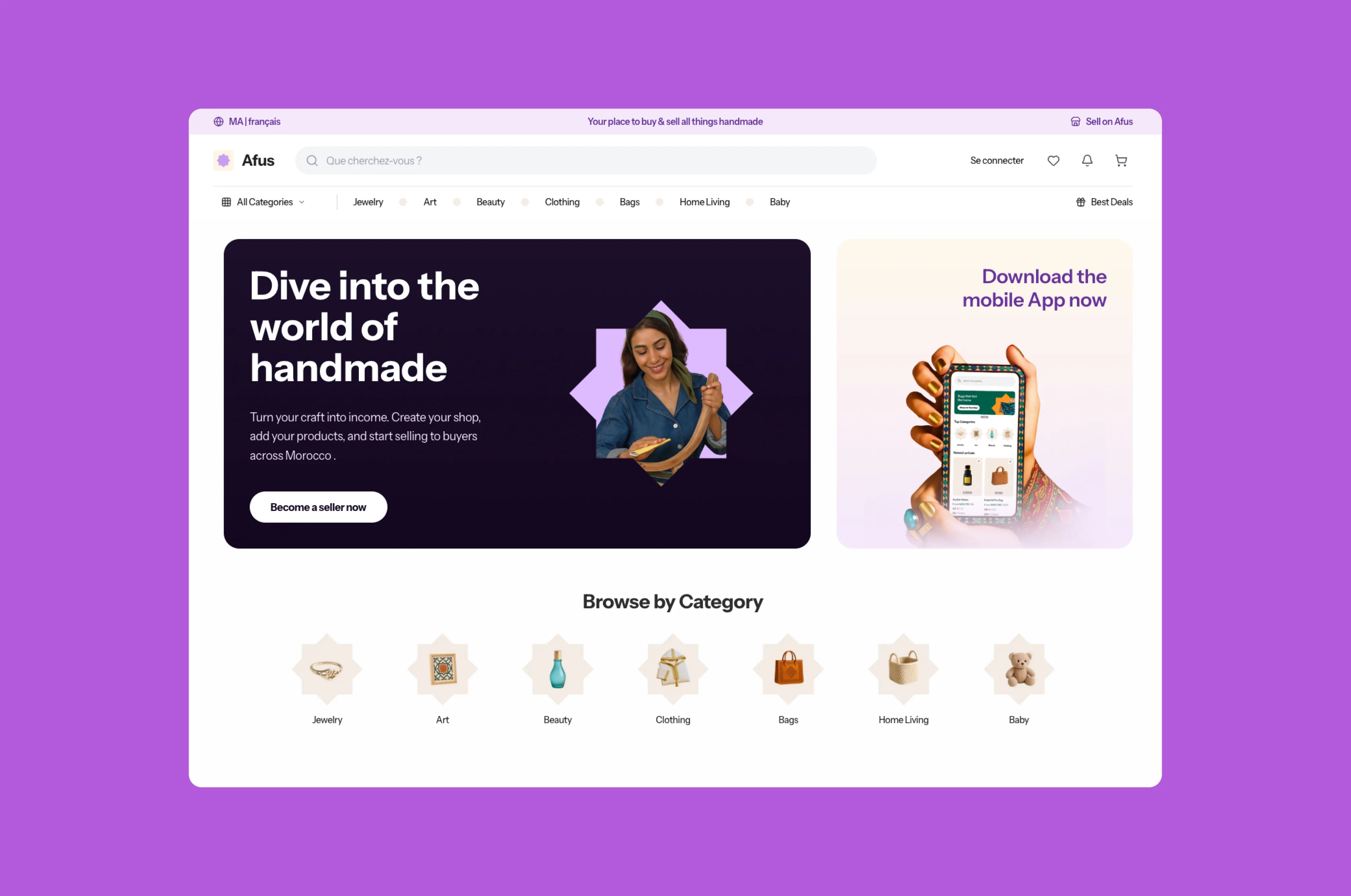
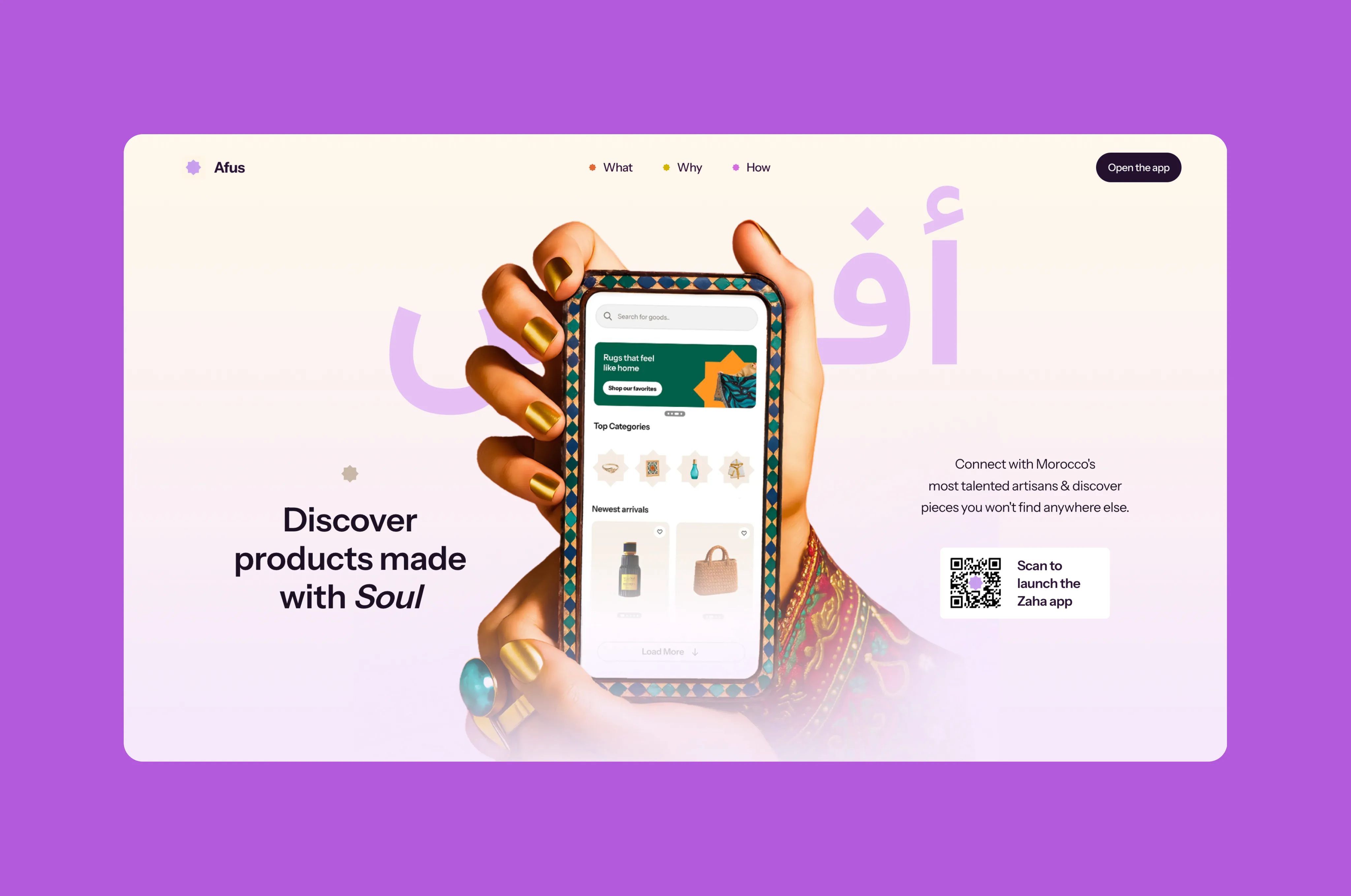
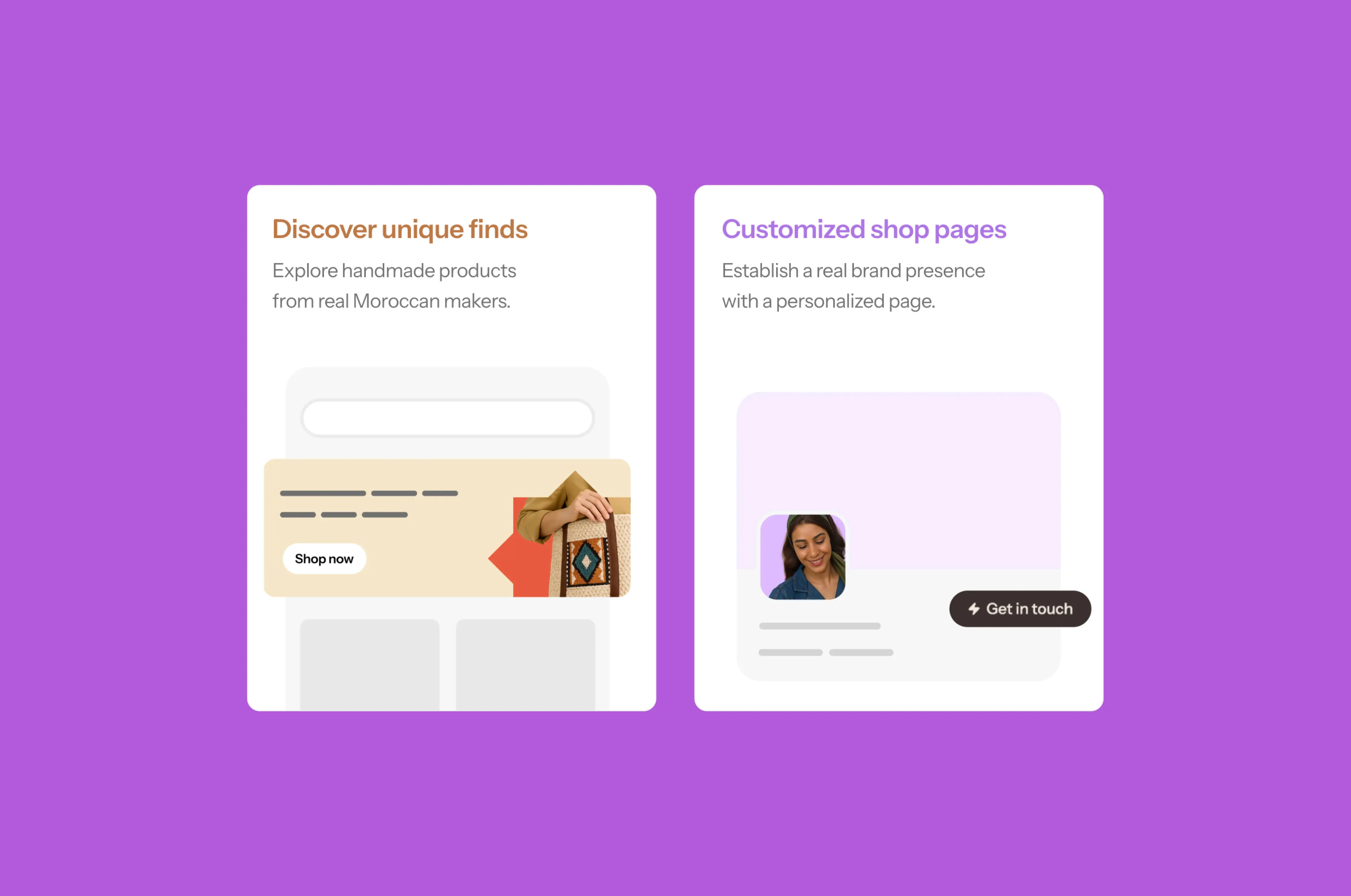
Afus is a digital platform dedicated to connecting Morocco's most talented artisans with the world, celebrating traditional craftsmanship through a modern, soul-infused interface.
Experiments · Products · Identities
A wider collection of digital products, brand systems, and visual explorations—each shaped around a different problem, audience, and ambition.
10 selected projectsMarketplace · Product design
Afus is a digital platform dedicated to connecting Morocco's most talented artisans with the world, celebrating traditional craftsmanship through a modern, soul-infused interface.
AI-native product · Strategy
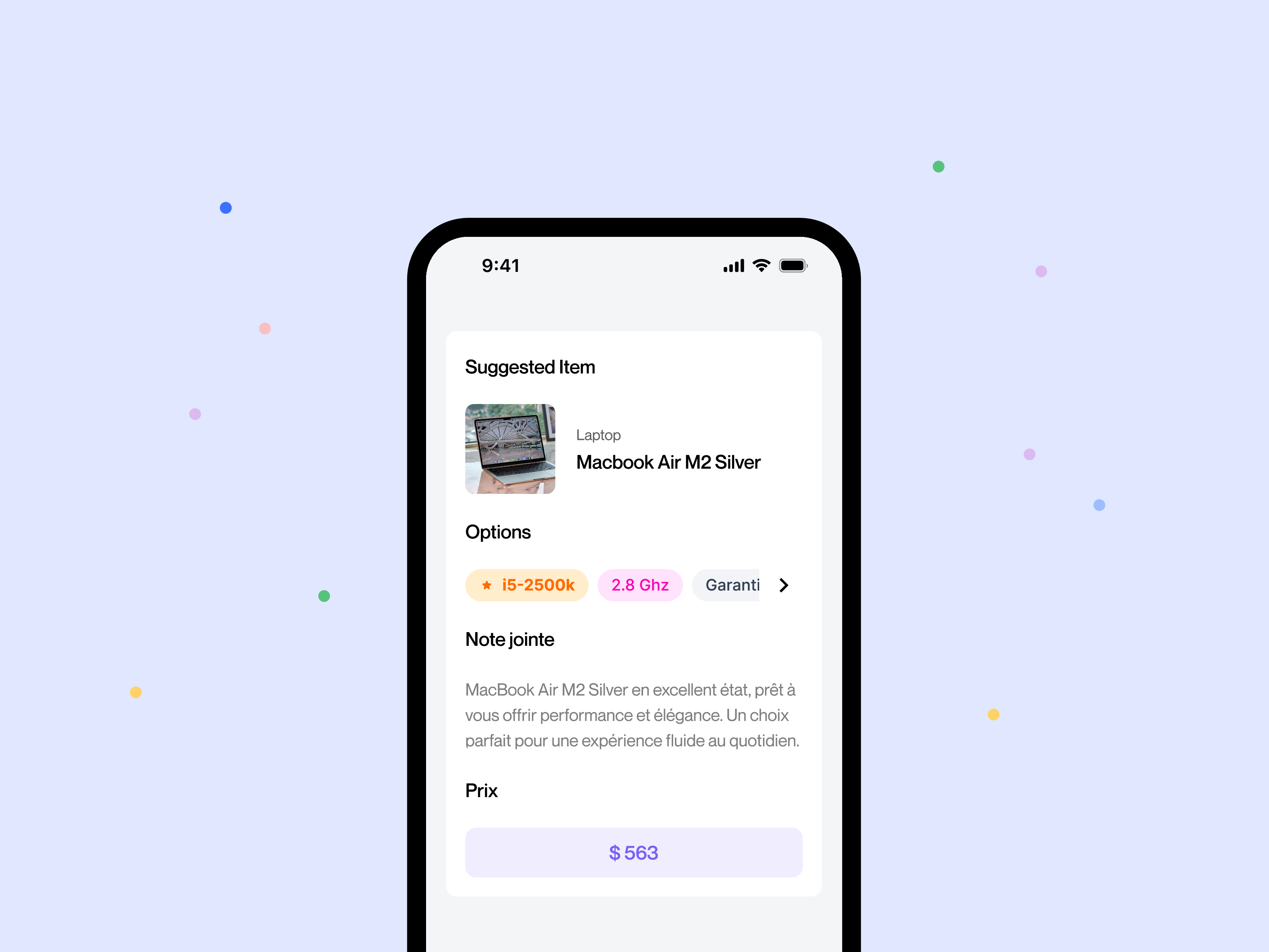
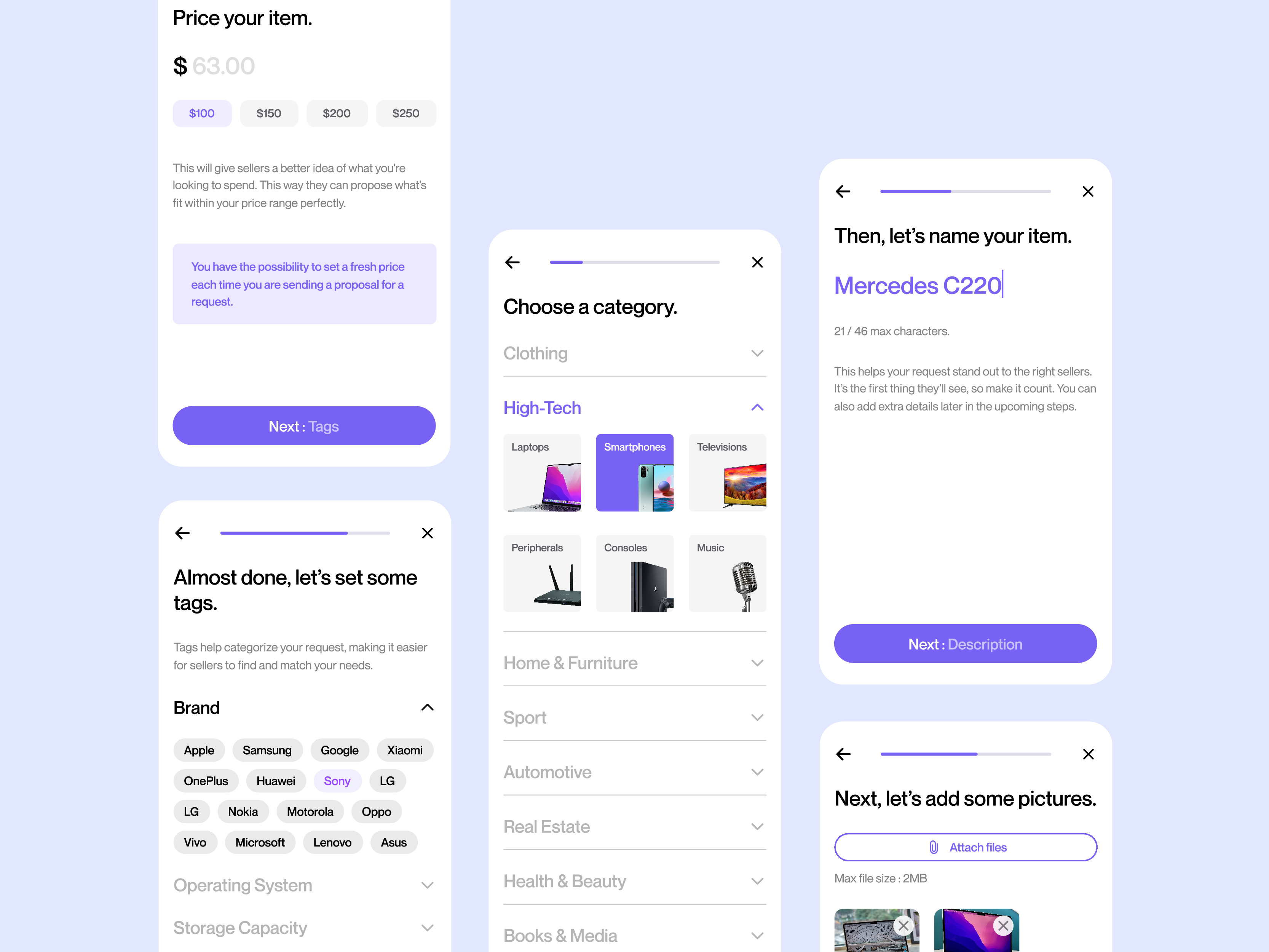
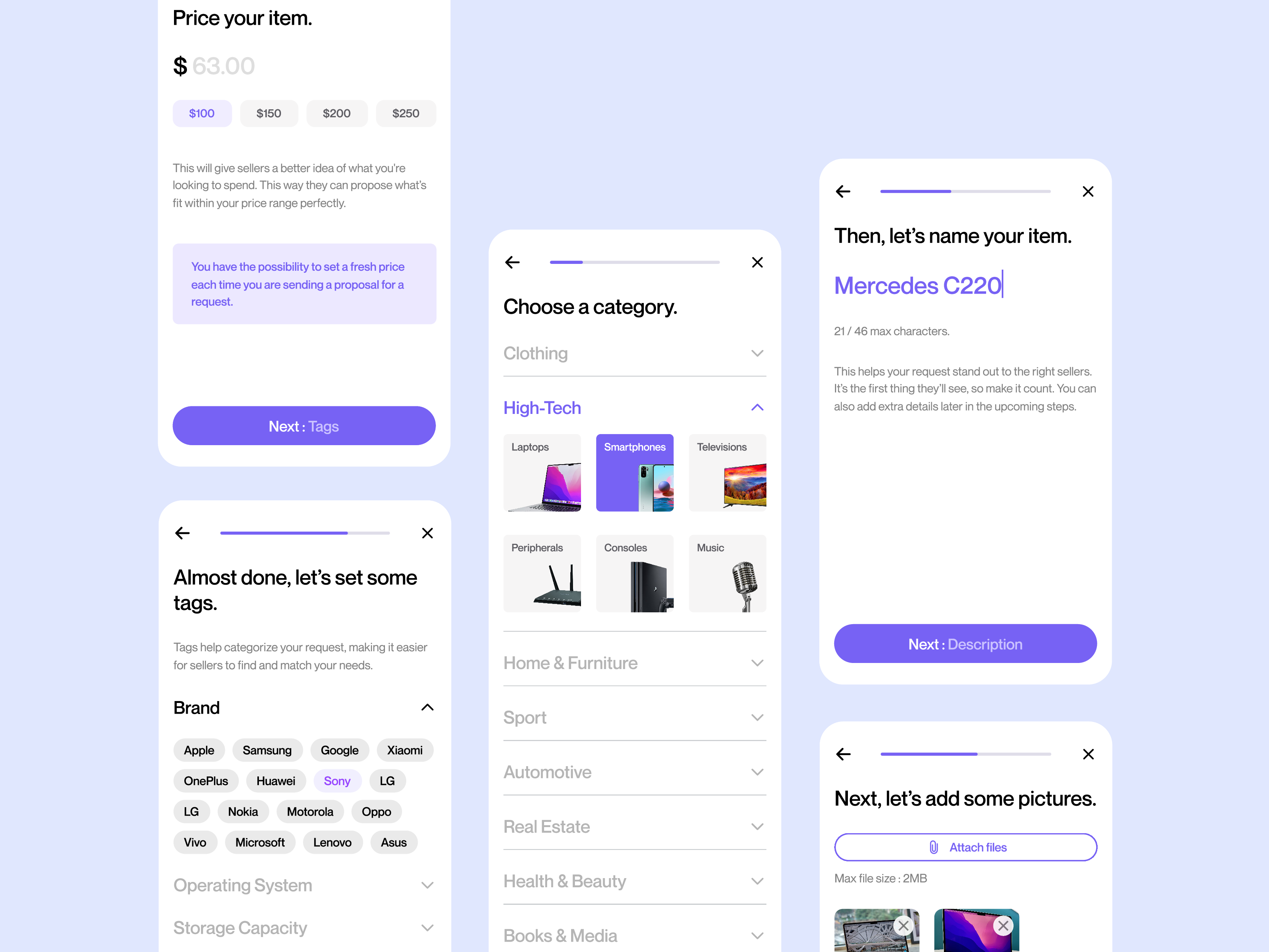
Onseek is a platform where users request items, get tailored proposals from sellers, and quickly find what they need—no negotiations, just simple, quality connections.
Brand · Digital experience
Zemium is a specialized SAP recruitment firm connecting businesses worldwide with top SAP talent for seamless digital transformation.
B2B platform · Web design
PVEnergy was a Belgian provider specializing in solar panels and green energy solutions.
Brand · E-commerce
Selenitis is a Moroccan luxury brand crafting lampshades and pendant lights, inspired by the serene mineral purity of selenite.
Web Design, UX Strategy, Brand Identity
Allied Home is a leader in sustainable home textiles, focused on developing innovative fabrics and fills for the modern home.
Digital Experience, UI/UX Design, Virtual Tour
A sophisticated digital experience for Le Casablanca Hotel, featuring an immersive virtual tour and reservation system for its refined dining venues.
Branding, Landing Page Design
Festival International du Folklore Traditionnel 2024 was a project and promote the celebration of diverse cultural heritage through vibrant traditional performances.
Social Media Assets, Flyer Design
Knockout is a volleyball tournament that benefits Bonei Olam Florida to fund treatments for local Florida couples struggling with infertility.
Studio Branding, Web Design, Portfolio Design
The Masterpiece is a London-based product design studio dedicated to crafting high-end digital experiences and avant-garde design solutions. --- To create a smooth, continuous breathing animation with these parts, you need a standard rig with bones for the limbs and a custom vertex mesh for the torso deformation. Since PixiJS offers the best combination of performance and low-level control, here is how you would set it up. You would need to export your specific body part images as assets and update the asset URLs in the code below. The PixiJS "Puppet Tool" Mesh Implementation ```javascript import * as PIXI from 'pixi.js'; // Setup Canvas and Application const app = new PIXI.Application({ width: 800, height: 600, backgroundColor: 0x000000 }); document.body.appendChild(app.view); // 1. Load your actual asset URLs here const assets = { head: 'head.jpg', body: 'body.jpg', hand: 'hand.png' // your provided right hand }; app.loader.add(Object.values(assets)).load(setup); function setup(loader, resources) { const container = new PIXI.Container(); app.stage.addChild(container); // ========================================== // 2. The Body (Mesh Deformation / Breathing) // ========================================== const bodyTexture = resources[assets.body].texture; // Create a 2D mesh by defining a grid of vertices // The more subdivisions (e.g., 20x20), the smoother the breathing. const plane = new PIXI.SimplePlane(bodyTexture, 10, 10); const bodyVertices = plane.geometry.getBuffer('aVertexPosition'); // Save initial vertex positions as a baseline const initialVertices = new Float32Array(bodyVertices.data); container.addChild(plane); plane.position.set(200, 150); // ========================================== // 3. The Organs (Bones/Containers) // ========================================== // Attach fixed objects (head and hand) to the body "rig" // Head (Left Profile) const head = new PIXI.Sprite(resources[assets.head].texture); head.anchor.set(0.5, 1); // Anchor at the neck base head.position.set(plane.x + plane.width / 2, plane.y + 20); container.addChild(head); // Hand (Right hand with stylus) const hand = new PIXI.Sprite(resources[assets.hand].texture); hand.anchor.set(0.5); // Center the hand hand.scale.set(0.6); // Scale to fit the scene hand.position.set(plane.x + plane.width, plane.y + (plane.height / 2)); container.addChild(hand); // ========================================== // 4. The Animation Loop (Breathing Logic) // ========================================== let time = 0; const breatheSpeed = 0.02; // How fast he breathes const breatheIntensity = 15; // How much the chest expands app.ticker.add((delta) => { time += delta * breatheSpeed; // Use a Sine wave to create a smooth expansion/contraction cycle const expansion = Math.sin(time) * breatheIntensity; // Loop through the body mesh vertices for (let i = 0; i < bodyVertices.data.length; i += 2) { // Check if the vertex is on the left edge (static) or right/center (expands) // Initial u values go from 0 (left) to 1 (right) const initialX = initialVertices[i]; // We only want to move the "chest" (right-side/center vertices) if (initialX > (plane.texture.width / 3)) { // Shift vertices rightward based on expansion value bodyVertices.data[i] = initialX + expansion; } } // IMPORTANT: Tell the GPU the vertices have been updated bodyVertices.update(); // Optional: Make the hand drift slightly with the breath hand.x = plane.x + plane.width + (expansion * 0.5); }); } ```